Facebook and Instagram
Connect through Meta once and publish to your connected Pages and Instagram accounts from the workspace.
Social publishing
Consistency beats brilliance on local social. Cretorial connects your Meta pages, drafts posts you can edit, schedules them, and publishes on time — with retries if a platform hiccups, so a failed post does not silently vanish.
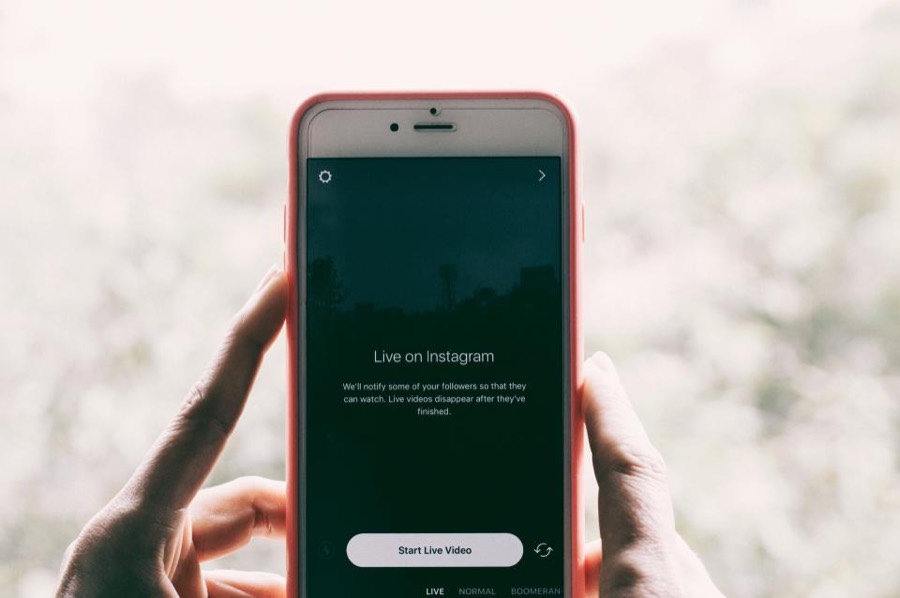
The problem
Local social media dies from workload, not from strategy. The week a location is short-staffed is exactly the week nothing gets posted, and once the gap opens it tends to stay open. The blocker is almost never the publishing — it is deciding what to say.
What it does
Connect through Meta once and publish to your connected Pages and Instagram accounts from the workspace.
The same composer publishes updates to Google Business Profile locations, so local channels stay in step.
Queue posts with a publish time and let the scheduler send them, rather than someone remembering at 9am.
Generate captions to edit, including drafts informed by what a competitor profile is posting, so the blank page is never the blocker.
A failed publish retries with backoff and records the reason, so a transient platform error does not silently drop a post.
Scheduled posts can be edited or cancelled up to the moment they publish.
The workflow
Authorise once and pick which Pages and Instagram accounts belong to the workspace.
Write it, or generate a draft and edit it into your own voice.
Choose the channel and the publish time, then leave it in the queue.
The scheduler sends it on time and retries if the platform returns a temporary failure.
The most useful reference for a local business is usually the competitor two streets away, not a national brand. Cretorial can draft posts informed by a competitor profile you point it at, which turns a blank composer into an editable starting point grounded in what your market actually responds to.
Scheduling tools tend to fail invisibly. A token expires, a platform returns an error, and the post simply never appears. Publishing attempts are limited, backed off and recorded with the failure reason, so a problem surfaces as something you can act on instead of an absence you notice weeks later.
At a glance
Social publishing is part of every Cretorial workspace. Nothing here is a separate add-on or a per-seat charge.
See which plan includes itFAQ
Works with
Create a workspace, connect your accounts and see what the first week of drafts looks like.